A private audiobook player.
Play your own MP3 and M4B files, stream from your Audiobookshelf or Jellyfin server, or turn any EPUB into an audiobook. All on your iPhone.
No ads. No tracking. No subscription.
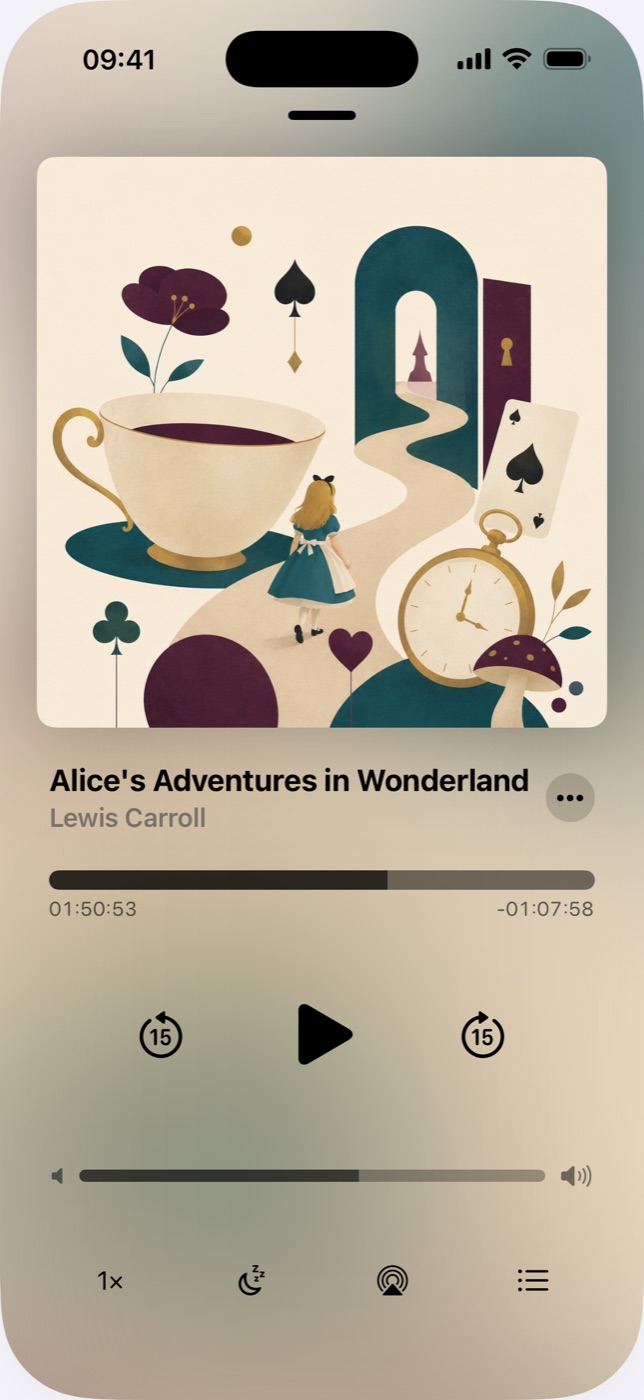
Plays your library
Import your own MP3 and M4B files and listen with chapters, bookmarks, a sleep timer, and speeds up to 4x.
Streams your server
Connect to your own Audiobookshelf or Jellyfin server to stream or download your whole library.
Converts your ebooks
Turn an EPUB into an audiobook with free on-device voices, or premium AI narration when you want it.
From ebook to audiobook in a few taps.
Add an EPUB
Import from Files or iCloud, or send it over from your browser with Wi-Fi transfer.
Pick a voice
Free on-device voices, or premium AI voices in many languages. Preview any voice before you commit.
Listen anywhere
The finished audiobook plays offline, with chapters and your last position saved automatically.
The app is free.
The only thing you can pay for is premium AI narration when you convert an ebook. Everything else costs nothing.
Free
- Convert as many books as you like
- Runs entirely on your device
- Works offline, no account
One-time, per book
- Studio-quality natural narration
- Many languages to choose from
- Listen offline once it is made
The free option is genuinely unlimited. You only pay when you want premium narration on a specific book, and it is always a one-time purchase. There is never a subscription.
A player built for people who love books.
Questions, answered.
Why is the Audiobooks app free?
I've been listening to 30 to 50 audiobooks a year since 2008. The app is my hobby, so it's free. Converting ebooks is free too, with on-device voices. If you want to support me, convert a book with premium AI narration instead, paid once per book.
What audio formats can it play?
Your own MP3 and M4B files, no DRM. It reads chapters from the file or its metadata and picks up cover art on its own. Every book remembers where you stopped.
Can I stream from Audiobookshelf or Jellyfin?
Yes. Point it at your own Audiobookshelf or Jellyfin server to stream your library or download books for offline listening. Nothing goes through a third party.
Can it turn an EPUB into an audiobook?
Yes. Import an EPUB and convert it with free on-device voices, or premium AI narration when you want better quality. The finished book plays offline with chapters.
Does the app track me or need an account?
No account, no ads, no tracking. It all runs on your device, and you can back up your files to your own iCloud.
Which devices does it work on?
iPhone, iPad, Mac, and Apple Vision Pro. You also get home screen widgets, Siri Shortcuts, and game controller support.
How do I get audiobooks onto my iPhone?
Import from Files, iCloud, or AirDrop, or send them from your browser over Wi-Fi. After that, books play offline with bookmarks, a sleep timer, and speeds up to 4x.